warframe данные персонажа frame fighter
Frame Fighter Guide
Hey guys and welcome to another Warframe guide and Frame Fighter finally got released with Update 23.4. And in this guide I’m gonna show you guys how to unlock it and other warframes within that game mod itself.
How to access the Frame Fighter?
So, first thing you are going do go to your relay and then we’re gonna go ahead and talk to Cephalon Simaris because he’s actually what sells the little game console that we have to get to play Frame Fighter which you can place anywhere in your ship and then you can play Frame Fighter from the get-go. You can also buy Wyrmius and Happy Zephyr as well.
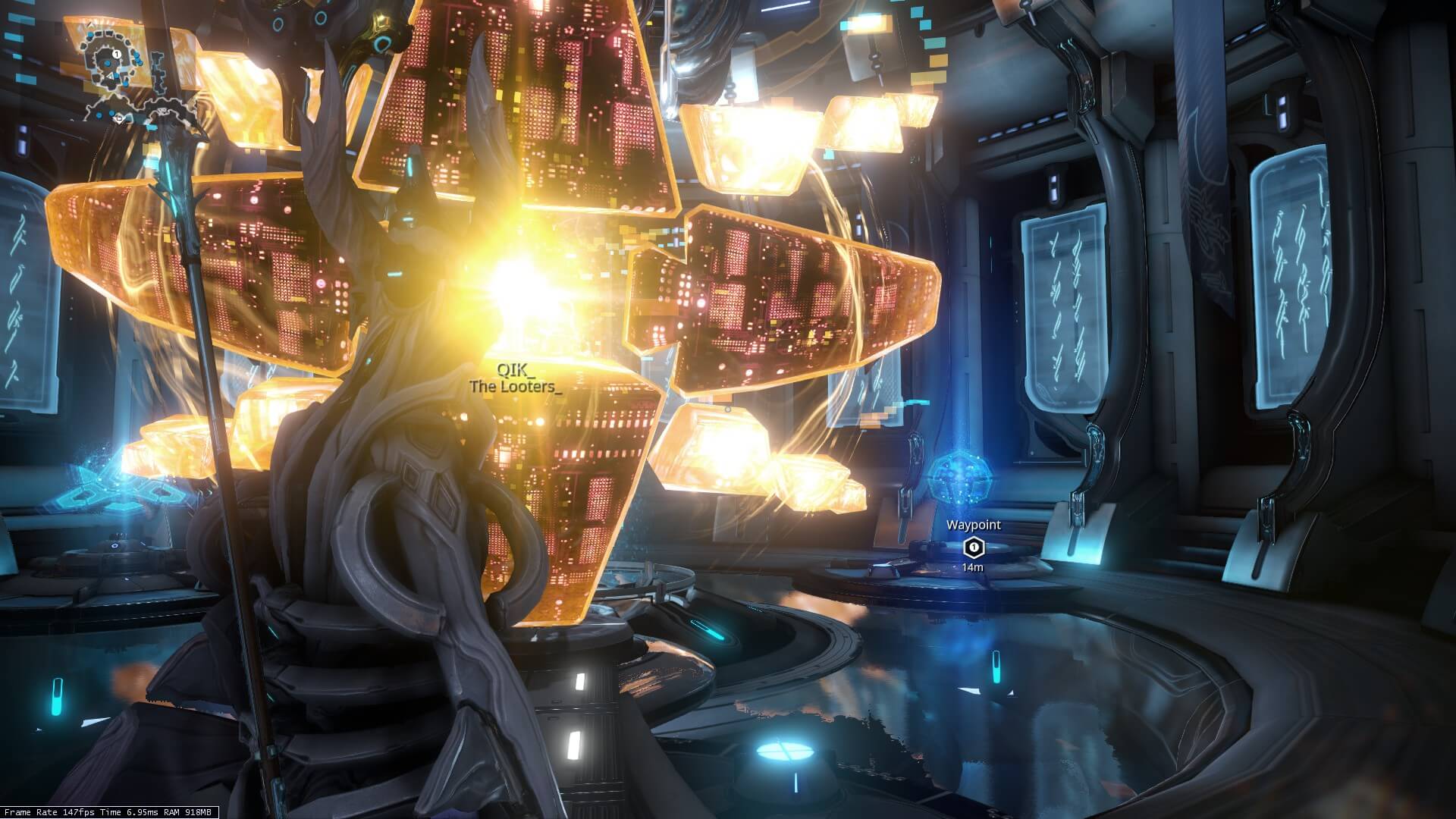
Once you get into the relay open menu and click Fast Travel. Then choose Cephalon Simaris. After that go through this little console in the back and you want to buy Ludoplex. It costs you 50,000 standing. It’s kind of a lot of standing for something that not a lot of players use like not a lot of players pay attention to Simaris. But, get your 50,000 standing, get your Ludoplex then go back to your ship, and then what we got to do is have to place this in our ship.
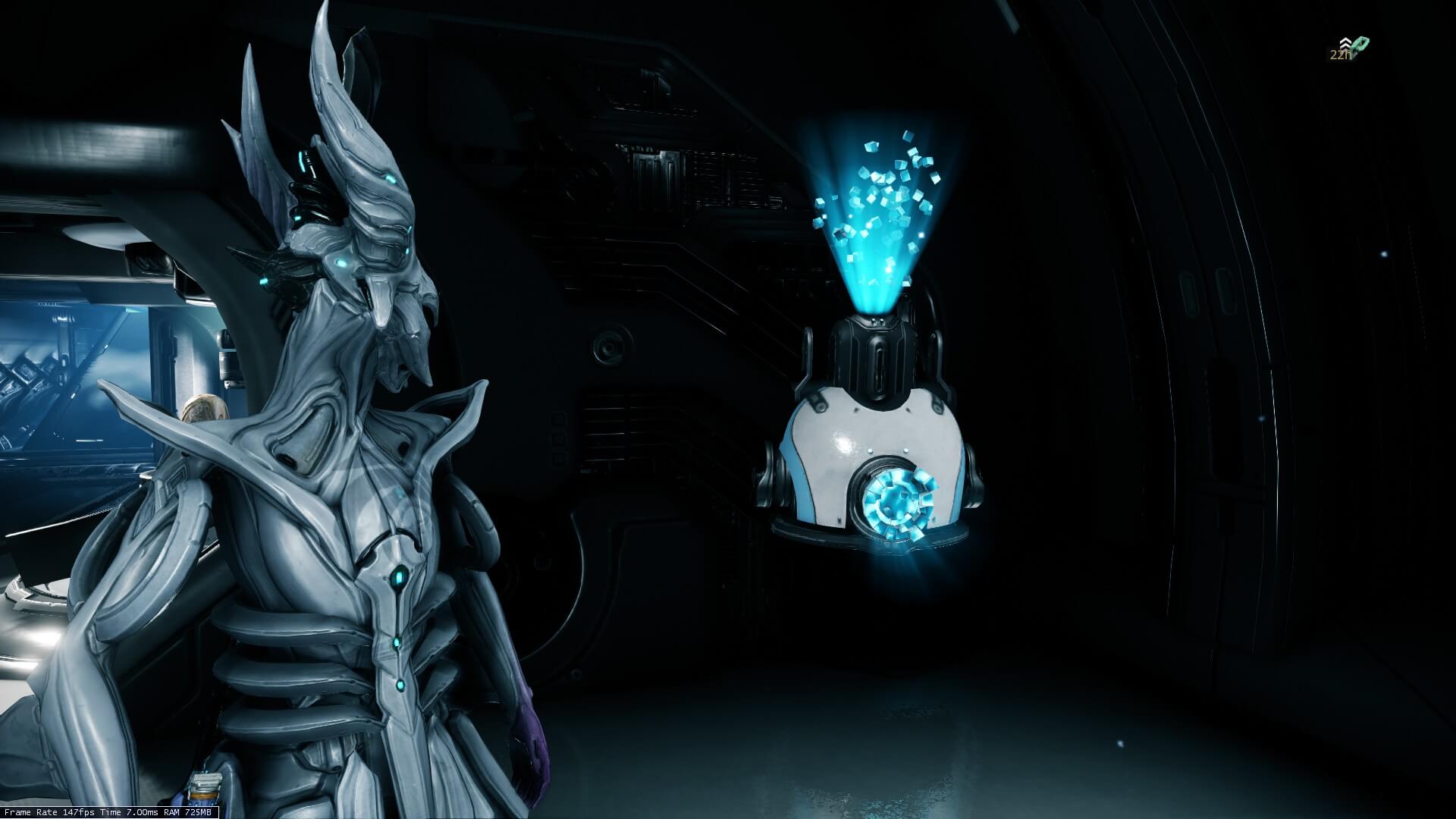
I place mine in like the far back corner which is opposite of my little Void Relics. And to place it all you have to do is go into your equipment, going to landing craft, going to decorate, press one and then type in Ludoplex, select it and place it anywhere you want it to be. And that’s it.
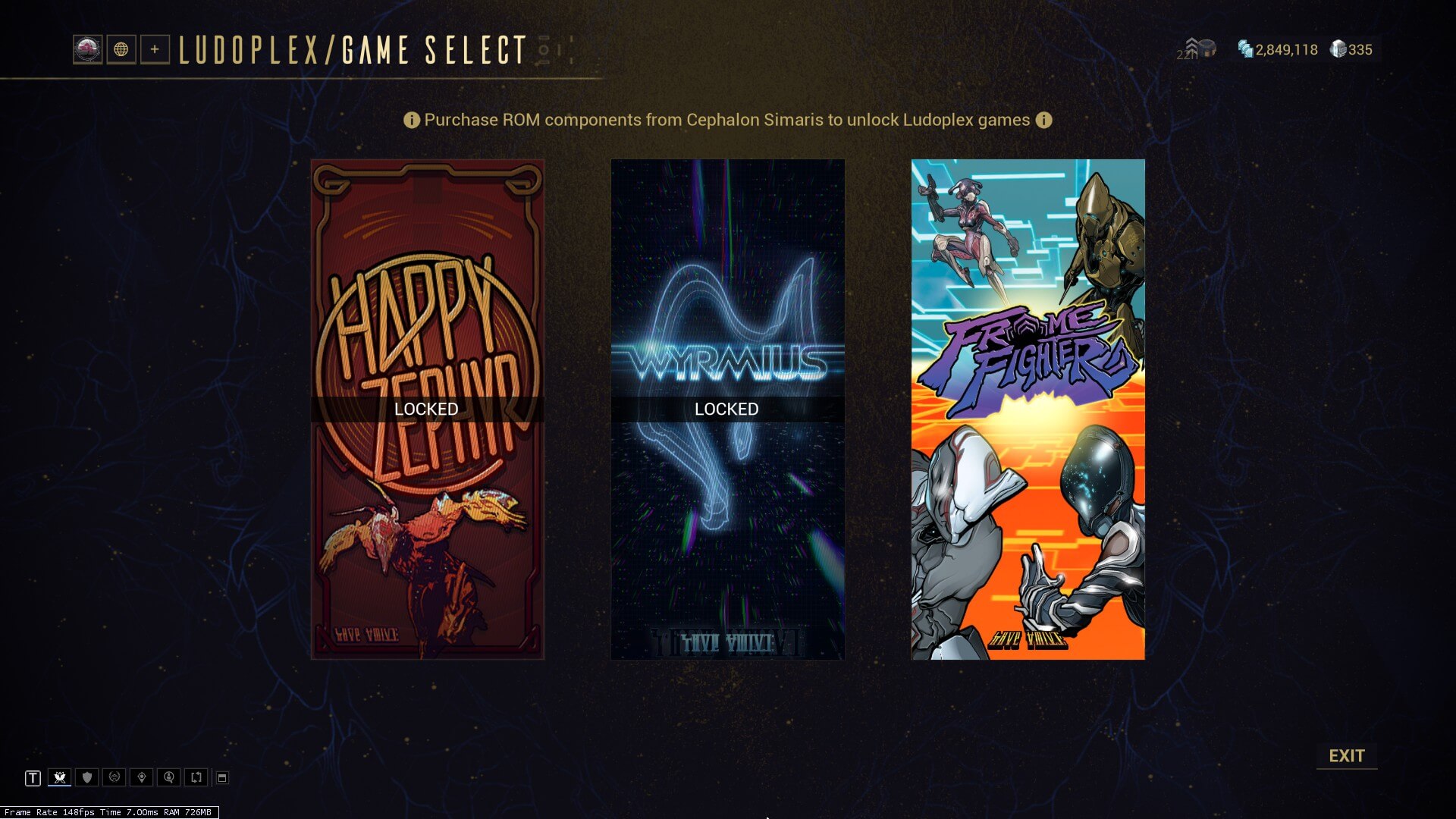
After that you can interact with it and now you can choose Frame Fighter to play in this game mod. Whenever we go into Frame Fighter we’re actually limited to three warframes. So, we have Excalibur, Mag, and Volt(if you already complete The Sacrifice quest you also have Excalibur Umbra).
How to Unlock Warframes for the Frame Fighter?
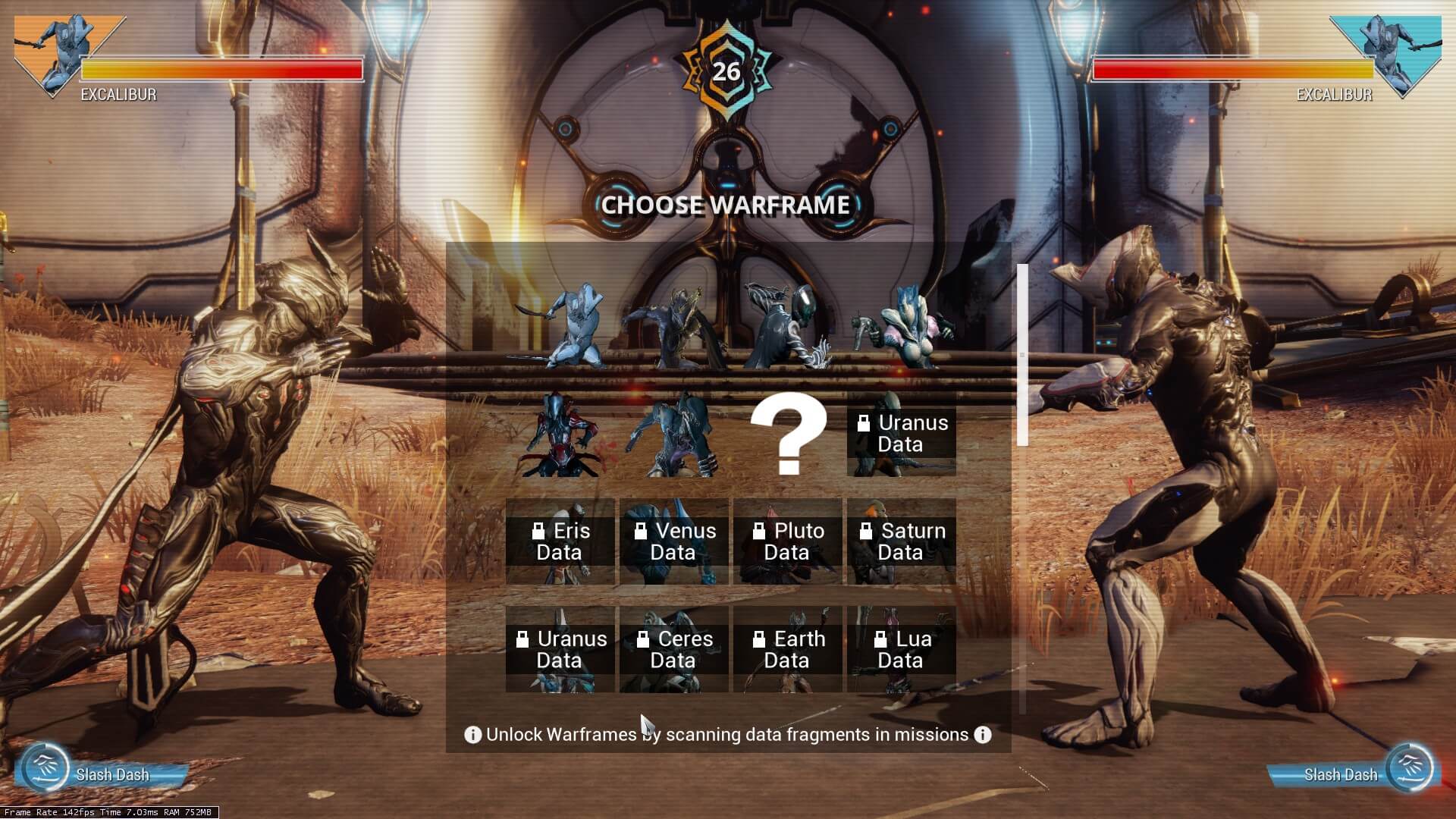 So, you are wondering how you can more warframes for Frame Fighter? And it’s all about going into missions and basically scanning Frame Fighter Fragments. This is done in a very similar way to the Cephalon fragments or the Somachord fragments. So, first equip a scanner into our gear wheel and it doesn’t matter what kind of scanner it is. I would also recommend you equip yourself with some form of loot radar whether it be Animal Instinct mod for your companion or something like Thief’s Wit for yourself which will highlight the Frame Fighter fragment on your mini-map. This is what it looks like and then you simply take out your scanner and scan it. And that’s actually it for that frame you only need to find one per frame.
Frame Fighter Fragment
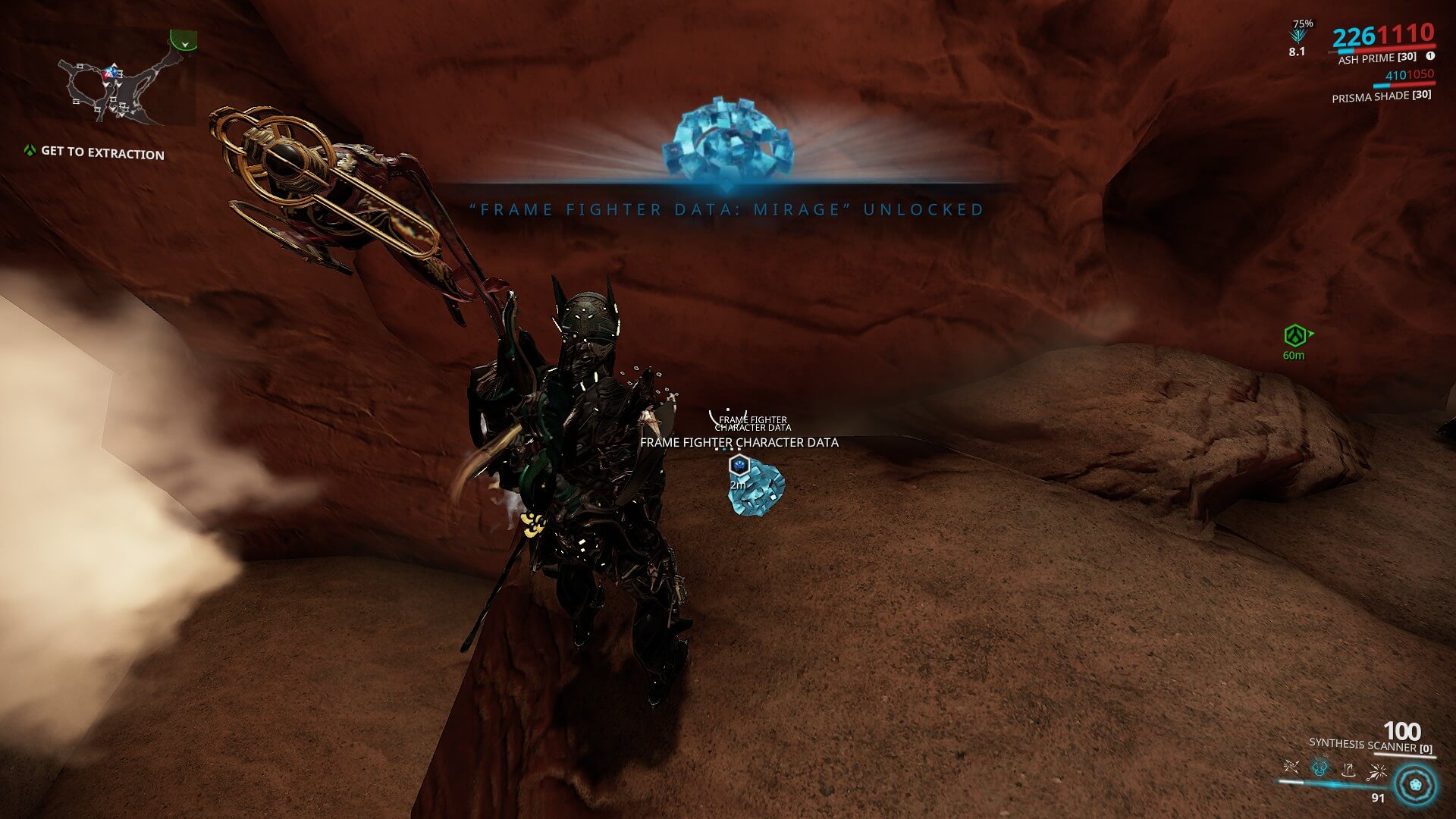
And that’s not the only good thing about these fragments because they finally made it so that the different types of fragments don’t mix anymore. So, you can actually find a Cephalon fragment, a Somachord fragment, and a Frame Fighter fragment now in the same mission.
Now, just like with the Cephalon and Somachord fragments a certain frame fragments are tied to certain planets. So, you are gonna have to tour the Star Chart if you want to get all the frames. So, here are the different planets and the frame fighter fragments you can find on them.
Frame Fighter Poster
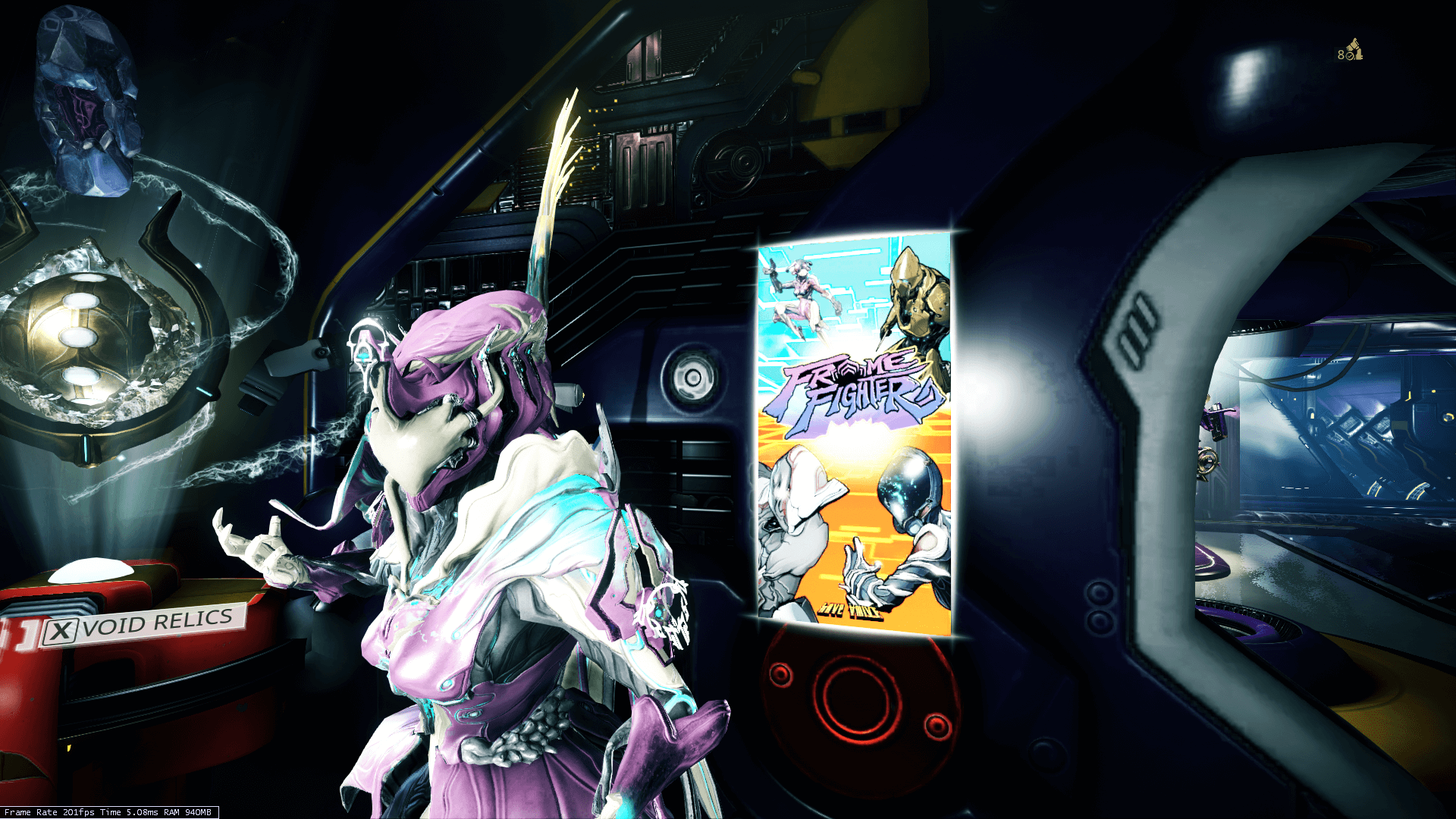
And upon collecting all the Warframes, you will be awarded a Frame Fighter poster.
And that’s pretty much it for the Frame Fighter guide. And I thank you very much for reading. I hope you’ve enjoyed the article and it was helpful and I will see you next time. Bye-bye.
Warframe — Подробности механики переноса способностей фреймов
Список доступных навыков
Комната с Гельминтом на Орбитере существует уже давно. Но раньше она была нужна лишь для удаления образовавшейся на шее фрейма кисты. Разработчики не только переработали интерьер комнаты, но и добавили туда немного повзрослевшего Гельминта. Этот монстр не является не просто соседом оператора. Разработчики превратили его в новую механику для развития фрейма. Раньше игроки даже и не могли подумать о возможности переноса способностей фреймов. Но теперь это новая реальность, которая существенно влияет на игровой процесс.
Чтобы разблокировать функционал Гельминта, сначала вам необходимо будет наладить отношения с семьей Энтрати в Некролиске. Улучшив репутацию с этой фракцией до 3 ранга вы сможете приобрести «сегмент Гельминта», установка которого на Орбитере и откроет доступ к переносу способностей. Поскольку данная механика рассчитана на опытных игроков, для нее потребуется 8 ранг мастерства.
Развитие Гельминта
У вашего домашнего монстрика очень хороший аппетит. Практически любой ресурс, который вы когда-либо заработали, можно скормить Гельминту. Отличная возможность потратить накопленные запасы. В процессе их соглашения Гельминт выделяет секрецию, которая позволяет использовать настройку способностей. Его предпочтения изменчивы. Убедитесь, что вы кормите Гельминта теми ресурсы, которые он сейчас хочет кушать, чтобы получить большее количество секреции.
Кормление, а также использование системы Гельминта увеличивает его ранг. Таким образом вы открываете новые способности для переноса или слоты поглощенных навыков фреймов. На максимальном ранге количество слотов неограниченно.
Способности Гельминта
Гельминт предоставляет игрокам 8 уникальных способностей, которые можно перенести на любого фрейма.
Перенос способностей фреймов
Кроме Гельминта у вас также есть возможность перенести способности фреймов. Для этого необходимо пожертвовать Гельминту фрейма, чью способность вы хотите перенести. Поглощение занимает 23 часа. После этого Гельминт запомнит способность и ее перенос другим фреймам станет доступен неограниченное количество раз. Скармливать можно только обычных фреймов, Прайм-версии и Умбра не подходят (но перенос на Праймов работает). Ранг при этом не имеет значения.
Чтобы сбалансировать систему, разработчики выбрали у каждого фрейма только одну способность, которую можно переносить. Ниже приведен список:
С перенесенными способностями работают аугменты. Но есть ограничения для навыков, которые увеличивают урон. На одном фрейме нельзя иметь две способности подобного типа. Например, вы не сможете передать Мираж рев от Рино, поскольку у нее уже есть затмение. Но заменить эти способности друг другом получится.
Заменять можно любые способности, в том числе ульты фреймов. Во время переноса игра предложит выбрать, к какой конфигурации добавить способность. Например, в первой конфигурации у вас останутся все родные навыки фрейма, а во 2 и 3 вы перенесете какие-то способности. Отмена переноса происходит довольно просто и не требует дополнительных ресурсов.
За каждого поглощенного Гельминтом фрейма около него будет появляться цветок с соответствующим цветом. Вы также сможете переименовать своего Гельминта, дав ему более подходящее имя. А о том, как прожорливый монстр относится к котам и собакам, предстоит узнать уже после выхода дополнения «Сердце Деймоса».
В игру Warframe добавили режим файтинга Frame Fighter
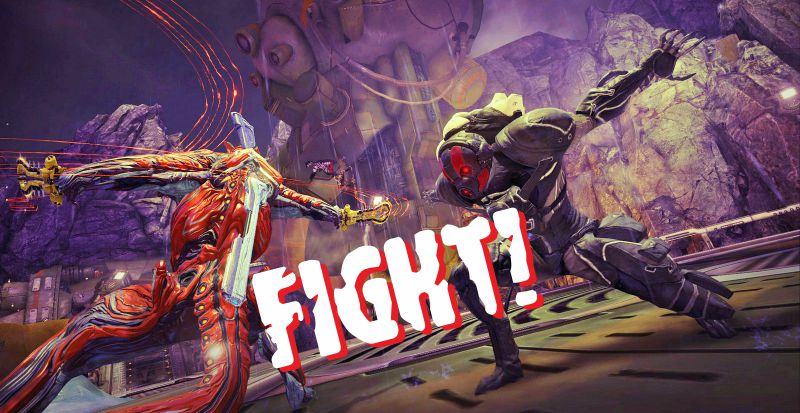
Мультиплеерный шутер Warframe представляет собой привычный экшен от 1-го лица с фантастическим антуражем.
Помыслить о том, что внутри этой игры может появиться дополнительный жанр, не мог никто – однако разработчики совсем недавно добавили файтинг, открывающий перед геймерами совершенно иной геймплей.
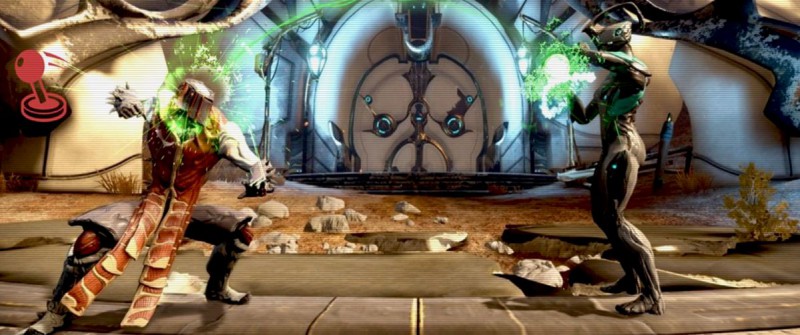 Варфреймный Мортал Комбат
Режим драк для Warframe именуется Frame Fighter. На данный момент в нем доступны следующие герои: Эскалибур, Волт и Мэг, каждый из которых отличается уникальными способностями.
Чтобы использовать других персонажей, необходимо играть в стандартный Warframe и просто исследовать мир. Для активации пропуска к режиму нужно заглянуть в Святилище, где находятся многие другие занятия.
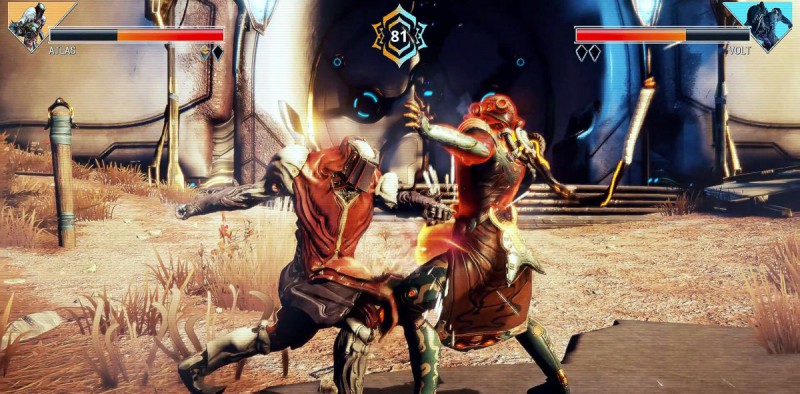 Варфреймы бьют друг другу морды
Игроки, которым понравится Frame Fighter, могут провести в новом режиме больше времени и открыть оригинальные фрагменты кастомизации для базы своего клана. Элементы выполнены в стиле восточной природы, так что любителям бамбуковых пейзажей строго рекомендуется!
Видео: усилитель и файтнг в Warframe
Warframe данные персонажа frame fighter


Warframe

is the worst thing I’ve seen since Omikron fighting sections
I kinda love it to be completely honest


it is a joke, devs had fun with it and community feedback was good so they implemented it.
never meant to be super deep with advanced mechanics and tight as standalone AAA product.
will be polished passively most likely as it is not top priority.
Has fun factor to it.

is the worst thing I’ve seen since Omikron fighting sections
Wow there. Lets not say anything we can’t take back now.
Omikron is on a whole other level of ♥♥♥♥♥♥♥♥♥♥.
that being said I’d rather not touch that god-forsaken game ever again in my life.
Whens fully fleshed out Ultra Frame Fighter Accent Core R+
Warframe данные персонажа frame fighter

Warframe

so where do i map the controls for frame fighter? or do i need a controller to play this minigame?


> Esc
> Options
> Controls
There ya go, its on the bottom of the menu. Its «Framefighter keybinds» or smth

> Esc
> Options
> Controls
There ya go, its on the bottom of the menu. Its «Framefighter keybinds» or smth
Nope, nothing there specifically for Frame Fighter.
only buttons that work are WASD and that is movement. Controller is required, but I didn’t bother with plugging it in. WF never liked the controller plugged in simultaneously with mouse & keyboard

Nope, nothing there specifically for Frame Fighter.
only buttons that work are WASD and that is movement. Controller is required, but I didn’t bother with plugging it in. WF never liked the controller plugged in simultaneously with mouse & keyboard
Really? My steam controller config uses both controller and m/KB inputs simultaneously without a hitch.
What are some of the settings you used in regards to aiming and melee? I could never seem to find a setup that grooves with me using the steam controller especially since it seems like there has to be different bindings for everything from launcher, to game, to menus.
I use a my own custom config that is just a standard controller input mapping except the right pad is a mouse instead of right stick plus a few more custom inputs that take advantage of the grips and dual triggers.
The official Warframe config is a mess and most people who do custom configs build off of that and it’s less than ideal.
Because my config is using primarily controller inputs it handles like using an Xbox controller in game and in menus with the added benefit of having precision aiming of a mouse.
So the right pad is mouse/camera and a soft pull in the left trigger engages the gyro for even more precise aiming. My left grip is jump and left trigger full pull is crouch. This allows bullet jumping without having to remove my right thumb from the right pad, i.e. I can aim while bullet jumping.
Likewise I have melee mapped to right trigger full pull so I can aim while performing melee. Soft pulls shoot my gun and full pulls swing melee.
I also use the left pad for quick items which requires a little customizing thru the in game options. My radial menus are mapped to left bumper. The only other odd thing is in menus you have to click and hold the left pad to mode shift the right pad to function as a right stick. Right stick is used in the mod menus.
The config is called Streven’s Best and is available in the community configs. It’s fully labeled if you want to check it out.